PanDoc app iconPanDoc
Get the app
100% on-device processing

Scan anything.
Organize everything.
Never lose it again.

Turn your phone into a pocket scanner. Capture crisp PDFs in seconds, sign and organize documents, and share them anywhere — with everything processed privately on your device.
New on the App Store & Google Play
Private · On-device · No ads
9:41
Unlock Multiple Scans
Trusted for scanning receipts, contracts, IDs & more
Everything in one app

Scan, organize, sign, share

One tap replaces the flatbed scanner — and half your admin busywork.

Smart Scan
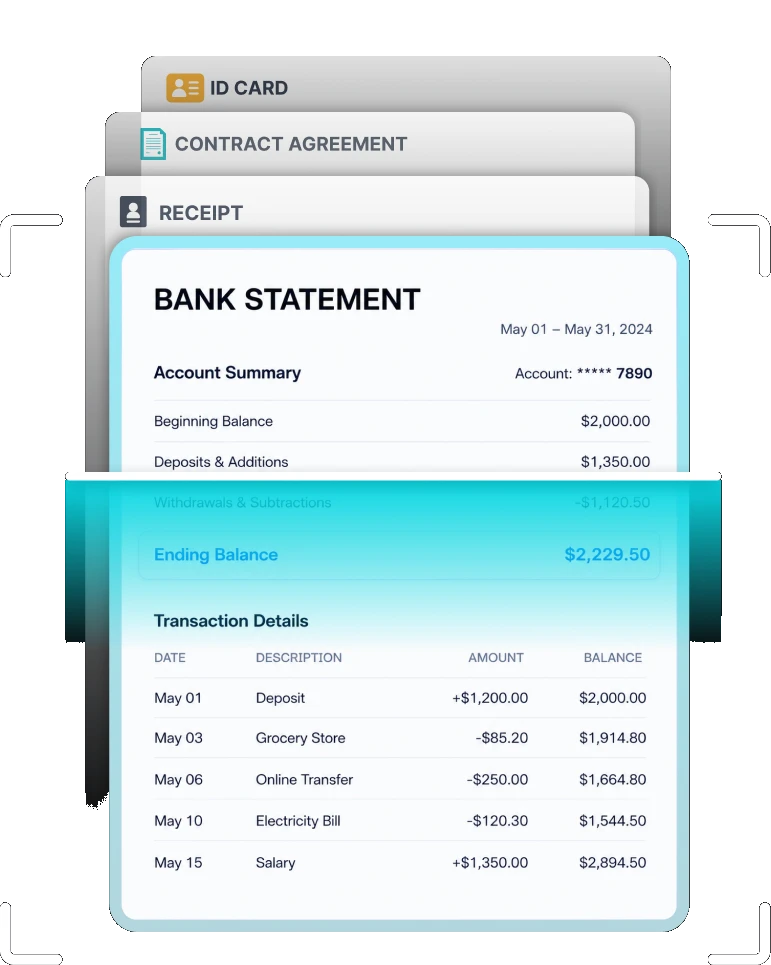
Auto edge-detection and glare removal turn a photo into a clean, cropped PDF instantly.
Smart Organize
Folders, tags and on-device text recognition make every document instantly searchable.
E-Sign
Draw, type or upload a signature and place it exactly where it belongs — no printing required.
Share Anywhere
Export to PDF or JPEG, or send straight to email, cloud storage, or your favorite apps.
Built-in AI

Meet PanAI Assistant

Beyond scanning — PanAI reads your documents and handles the busywork, from summaries and translations to legal review and insights.

Summarize
Condense long contracts, reports and PDFs into a few clear bullet points.
Translate
Turn scanned text into 50+ languages without leaving the app.
OCR
Extract accurate, selectable, searchable text from any photo or scan.
Legal Review
Flag key clauses, dates and obligations in contracts before you sign.
Classify
Auto-sort documents into invoices, IDs, receipts and more.
Keywords & Topics
Surface the important terms and themes across every document.
Analyze
Ask questions about your documents and get instant, grounded answers.
How it works

From paper to PDF in three taps

01
Point & capture
Frame any document — the app detects edges automatically and captures a crisp shot.
02
Clean up & sign
Auto-enhance turns shadows into a bright white page. Add a signature if you need one.
03
Save & share
Organize into folders and export as PDF or JPEG — or send it straight from the app.

Your documents never leave your phone

Every scan is processed entirely on-device — no cloud upload, no server round-trip. Passports, contracts and financial records stay exactly where they should: with you.

No document ever uploaded without your say-so
On-device text recognition & search
Optional Face ID / fingerprint lock
Device processing
No network activity
Edge detectionon-device
Text recognitionon-device
Signature storageon-device
Cloud uploadoff by default
Why PanDoc

Built for privacy, not ad revenue

Capability
PanDoc
Typical scanner apps
On-device processing
Unlimited scans, no watermark
Built-in e-signatures
No ads, no data resale
Illustrative comparison against common free scanning apps.
Why PanDoc

Built to keep your documents yours

A fast, private scanner with an AI assistant built in — no accounts, no ads, no data resale.
🔒
Private by design

Edge detection, OCR and signatures all run on-device. Nothing is uploaded to a server unless you choose to share it.

✍️
Scan, sign, send

Capture a crisp scan, drop in your signature and share a finished PDF — start to finish, straight from your phone.

🤖
PanAI does the busywork

Summaries, translations, OCR and legal review are built in — so your documents don't just sit there as flat images.

FAQ

Common questions

Is PanDoc really free?+
Yes — the core scanning, organizing, and sharing features are free to use. No account is required to start scanning.
Does my data ever leave my phone?+
What file formats can I export?+
Can I sign documents inside the app?+
Is PanDoc available on both iOS and Android?+

Ready to ditch the paper trail?

Free to download. No account required to start scanning.

Download on the
App Store
GET IT ON
Google Play
© 2026 PanDoc. All rights reserved.